Best Free AI Writing Tools for Beginners in 2026

Introduction: Why AI Writing Tools Are a Game-Changer for Beginners
Whether you’re a student trying to polish an essay, a small business owner writing product descriptions, or a blogger looking to post more consistently, writing can feel overwhelming. That’s where AI writing tools come in.
In 2026, AI writing assistants are smarter, faster, and more beginner-friendly than ever before. The best part? You don’t need to spend a dime to get started. Many of the top platforms offer powerful free plans that are more than enough for everyday writing tasks.
This guide walks you through the best free AI writing tools for beginners in 2026 — what they do, who they’re best for, and how to get the most out of them without any technical know-how.
What Should Beginners Look for in a Free AI Writing Tool?
Before diving into the list, it’s worth knowing what separates a great free AI writing tool from a mediocre one. Here’s what to look for:
Ease of use is non-negotiable. A beginner-friendly interface means you spend less time figuring out the tool and more time writing. Look for clean dashboards, simple prompts, and helpful suggestions.
Output quality matters just as much. The AI should produce grammatically correct, coherent, and contextually relevant content without you having to heavily edit everything it writes.
Free plan generosity is a big deal. Some tools lure you in with “free” tiers that give you almost nothing. The tools on this list offer genuinely useful free access.
The range of use cases is also important. A good AI writing tool should handle multiple formats — emails, blog posts, social media captions, product descriptions, and more.
Now, let’s get into the list.
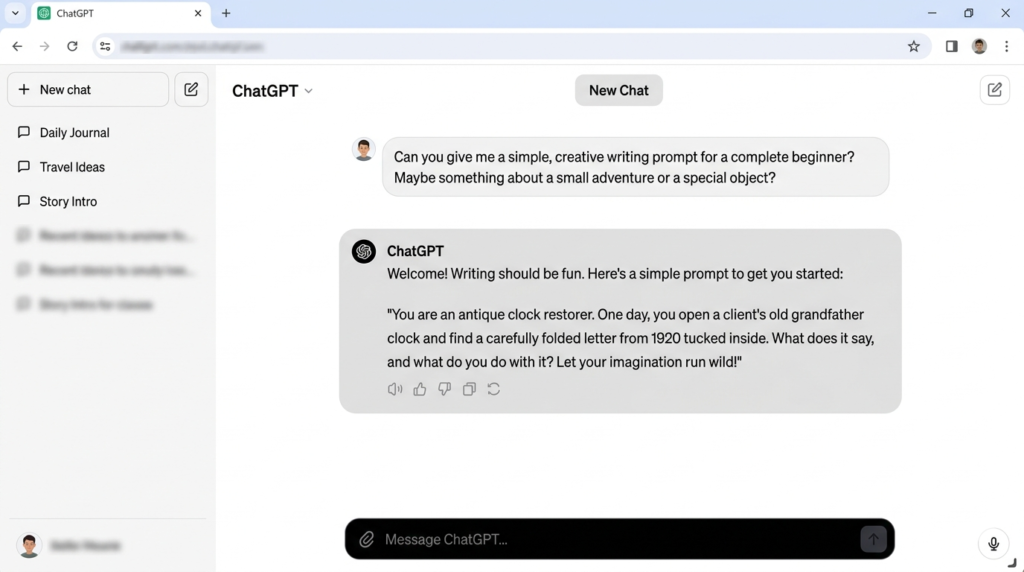
ChatGPT (by OpenAI) — Best All-Around Free AI Writing Assistant
Best for: General writing, brainstorming, drafting, and editing
ChatGPT remains one of the most widely used AI writing tools in 2026, and for good reason. OpenAI’s free tier gives beginners access to a highly capable language model that can help with virtually any writing task imaginable.
You can use ChatGPT to draft blog posts, write professional emails, summarize documents, generate creative stories, or simply get help breaking through writer’s block. Just type what you need in plain English, and it responds with polished, ready-to-use text.
What makes it great for beginners: The conversational interface is intuitive. You don’t need to learn any special commands — just talk to it like you’d talk to a knowledgeable friend.
Free plan includes: Access to GPT-4o mini, unlimited basic conversations, and image analysis on the web.
Free plan Limit: 10 messages per 5 hours with GPT-5.3; unlimited GPT-4o mini with rate limiting
Tip: Be specific with your prompts. Instead of saying “write a blog post,” say “write a 500-word beginner’s guide to starting a vegetable garden for homeowners in the US.”
Google Gemini — Best Free AI Writer Integrated with Google Workspace
Best for: Students, remote workers, and anyone already using Google tools
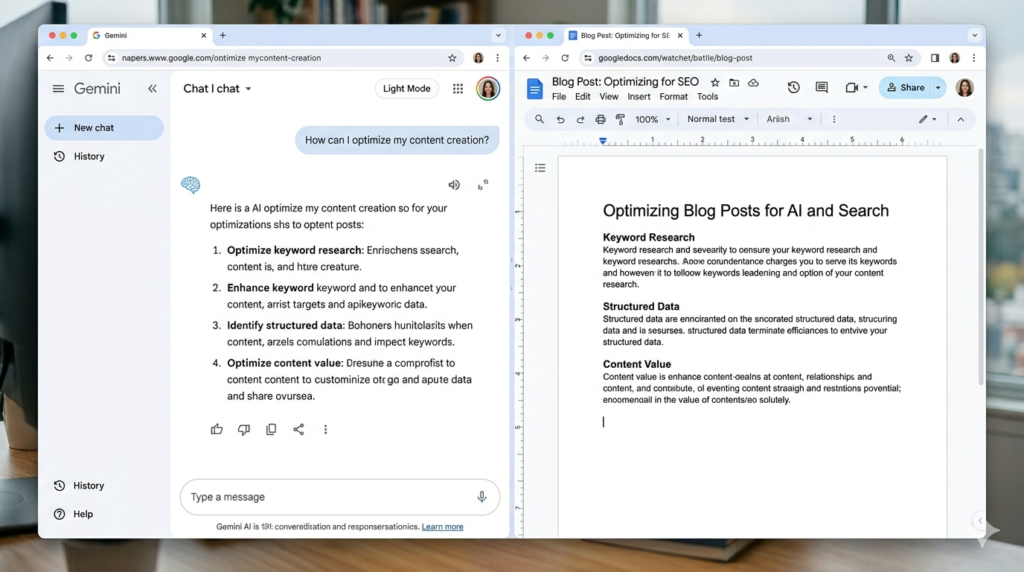
Google Gemini is a powerful AI writing assistant that plugs directly into tools you probably already use — Gmail, Google Docs, and Google Drive. For beginners who live inside the Google ecosystem, this is an unbeatable combination.
In 2026, Gemini’s free tier lets you generate text, rewrite drafts, and brainstorm ideas without leaving your browser. Need to reply to a lengthy email chain? Gemini can summarize it and draft a response in seconds.
What makes it great for beginners: Zero learning curve if you’re already using Google products. It feels like a natural extension of your existing workflow.
Free plan includes: Gemini 1.5 Flash access, integration with Gmail and Docs, and basic image generation.
Free plan Limit: 100 images/day via app; 1,500 requests/day via API; generous text generation limits
Tip: Use Gemini inside Google Docs for a seamless experience. Click “Help me write” and describe what you need — Gemini handles the rest.
Microsoft Copilot — Best Free AI Writing Tool for Microsoft Office Users
Best for: Professionals, job seekers, and students using Microsoft 365
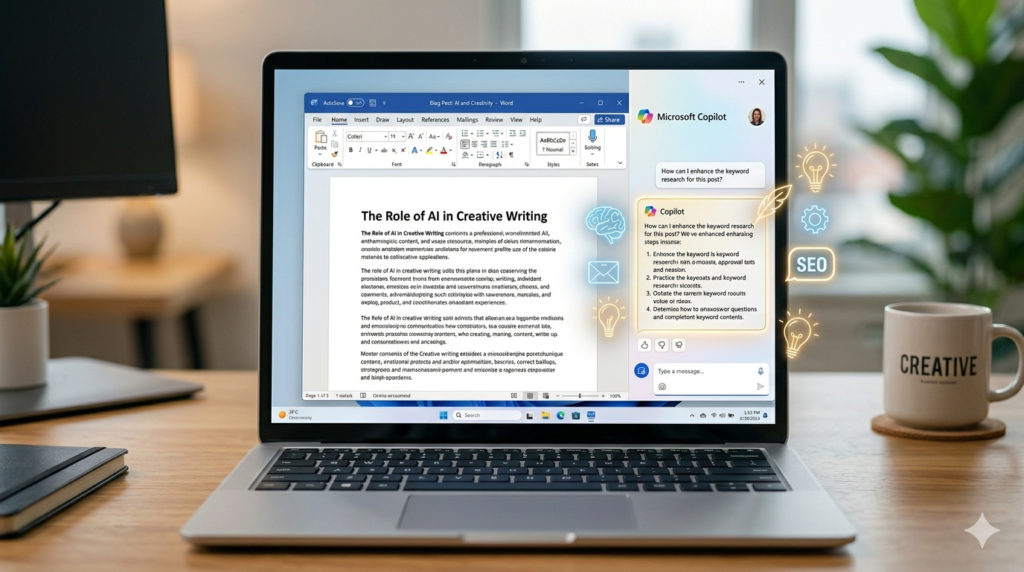
Microsoft Copilot brings the power of GPT-4 directly into the Microsoft suite. If you regularly work in Word, Outlook, or OneNote, Copilot is seamlessly woven into those apps — and the free web version is accessible to anyone with a Microsoft account.
For beginners, it’s particularly helpful for writing cover letters, business reports, meeting summaries, and polished emails. The suggestions it provides are professional-grade and usually require very little editing.
What makes it great for beginners: You don’t need any AI experience to use it. Highlight text in Word, click “Rewrite,” and Copilot does the heavy lifting.
Free plan includes: Full access to Copilot on the web, Copilot in Bing, and basic integrations with Microsoft 365 apps.
Free plan Limit: Free with a Microsoft account; 2,000 code completions + 50 chat messages/month for GitHub Copilot free tier.
Claude (by Anthropic) — Best Free AI Writer for Long-Form Content
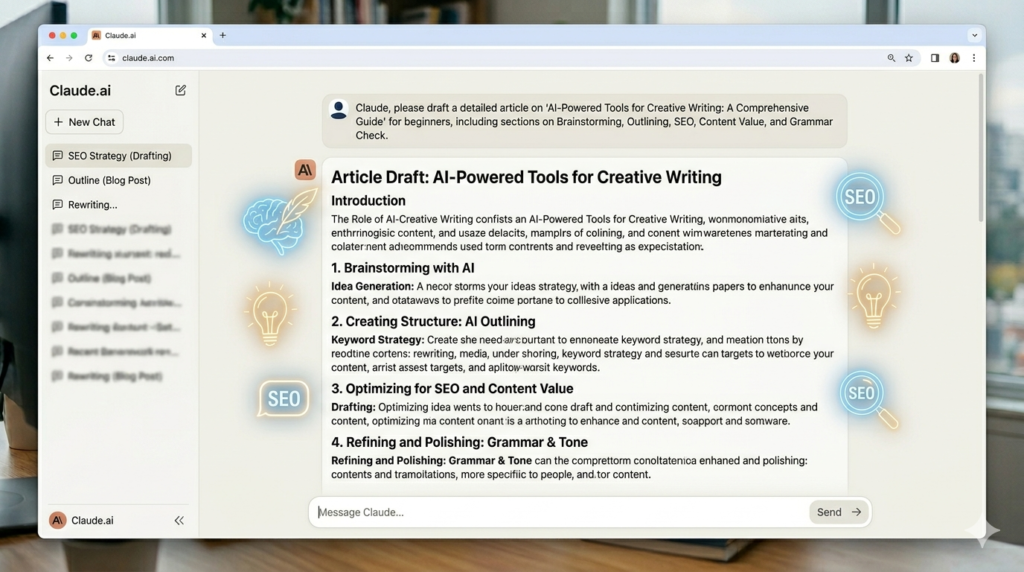
Best for: Bloggers, content creators, and anyone writing longer pieces
Claude stands out as one of the most thoughtful and nuanced AI writing assistants available for free in 2026. It excels at producing long-form content — think full blog articles, research summaries, essays, and structured reports — with a human-like tone that doesn’t feel robotic.
Beginners love Claude because it’s honest, careful with facts, and willing to explain its reasoning. If you ask it to write a product review or a how-to guide, it delivers content that feels genuinely helpful rather than templated.
What makes it great for beginners: Claude is conversational and patient. It can help you refine your writing style over time and explain why certain phrasing works better than others.
Free plan includes: Access to Claude on claude.ai with generous daily message limits and multi-turn conversations.
Free plan Limit: 15-40 messages per 5-hour window (~30-100 messages/day)
Tip: Use Claude for drafting, then ask it to “make this sound more conversational” or “shorten this section” — it handles editing instructions remarkably well.
Canva Magic Write — Best Free AI Writing Tool for Visual Content Creators
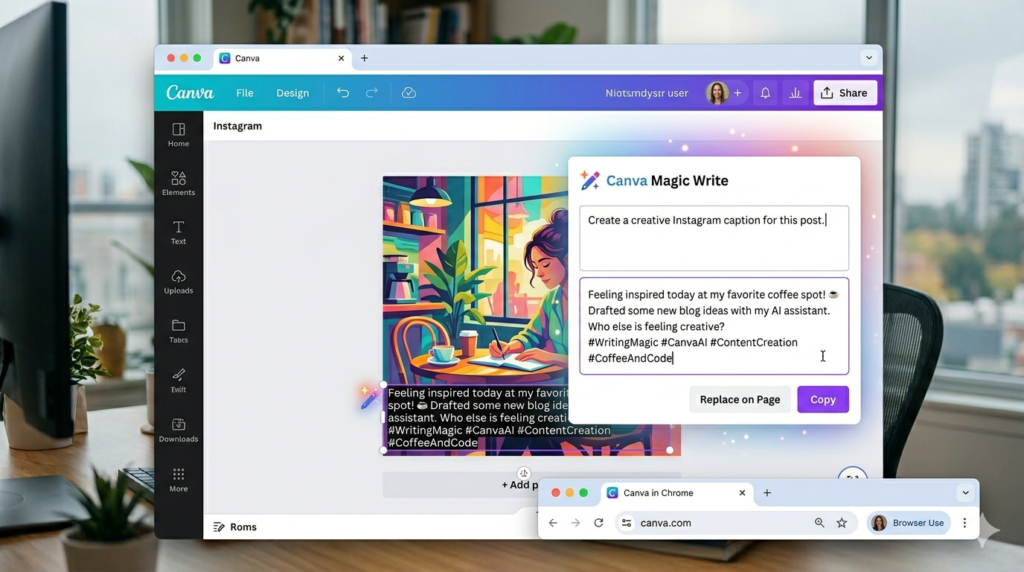
Best for: Social media managers, small business owners, and visual content creators
Canva is best known as a graphic design tool, but its built-in AI writing feature — Magic Write — is a hidden gem for beginners. If you create social media posts, flyers, presentations, or marketing materials, Magic Write lets you generate captions, headlines, taglines, and short descriptions right inside your design workflow.
The tight integration between visuals and text is what makes Canva Magic Write unique. You’re not just writing in isolation — you’re writing for a specific design, which helps keep your content focused and on-brand.
What makes it great for beginners: Everything is visual and drag-and-drop. You don’t need to think about formatting — Canva handles it.
Free plan includes: Limited Magic Write credits per month (enough for light use), plus access to thousands of free templates.
Free plan Limit: 25 prompts per month; 50 lifetime Magic Media credits
Grammarly — Best Free AI Tool for Editing and Proofreading
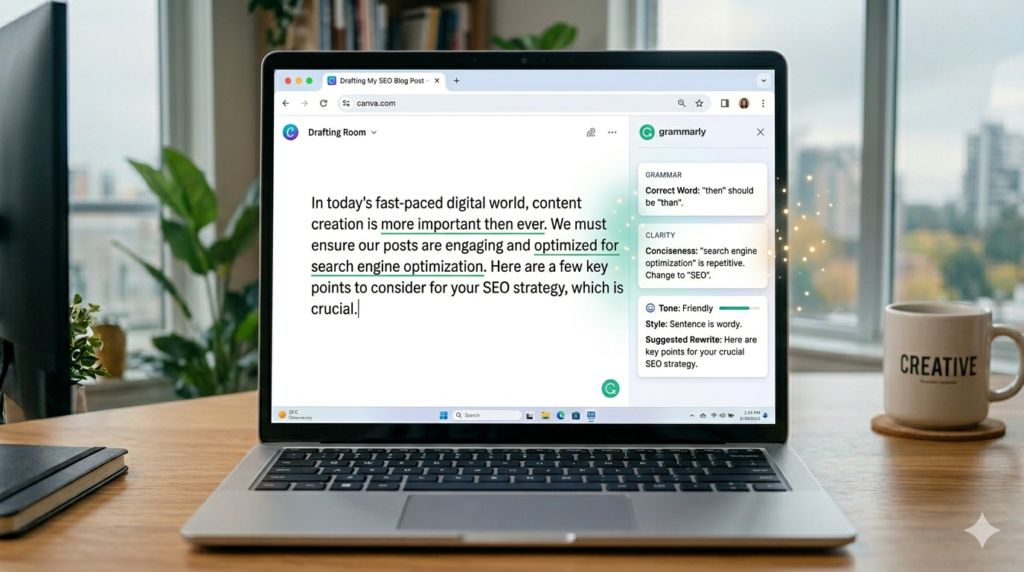
Best for: Anyone who wants to write better, not just write faster
Grammarly isn’t a full-on content generator — it’s an AI-powered editing assistant that helps you catch errors, improve clarity, and sharpen your writing style in real time. For beginners who want to develop stronger writing habits, it’s indispensable.
In 2026, Grammarly’s free tier covers grammar checks, spelling corrections, and basic tone suggestions. The browser extension works across almost every platform — from Google Docs to LinkedIn to email.
What makes it great for beginners: It teaches you as it corrects you. Over time, you’ll start catching your own mistakes before Grammarly does.
Free plan includes: Grammar, spelling, and punctuation checks across all platforms via the browser extension.
Free plan Limit: Unlimited grammar, spelling, and punctuation checks; basic tone suggestions
Tip: Pair Grammarly with any of the AI writing tools above. Use ChatGPT or Claude to generate a draft, then run it through Grammarly before publishing.
How to Get the Most Out of Free AI Writing Tools
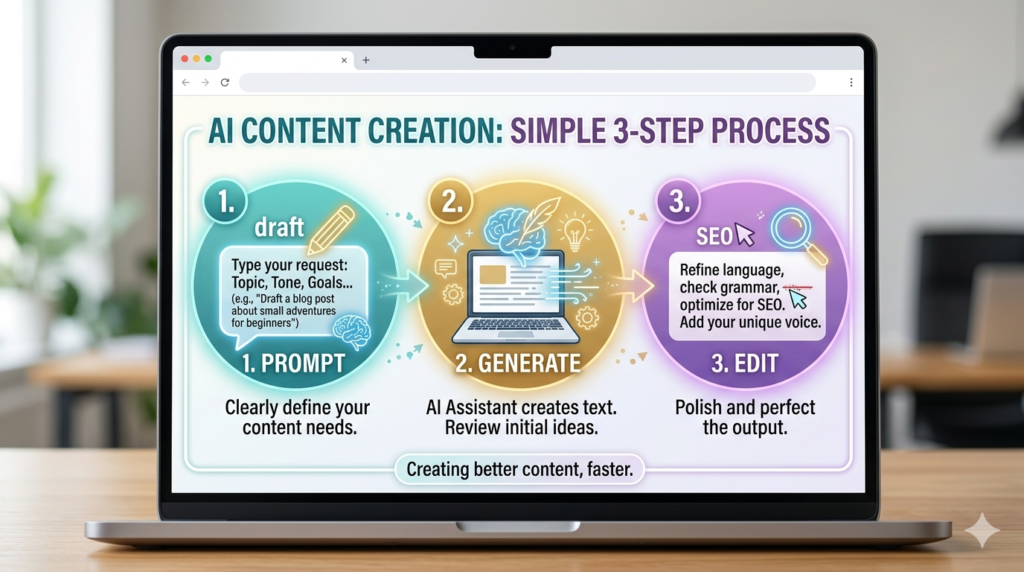
Getting great results from AI writing tools comes down to a few simple practices:
Write better prompts. The quality of your output depends heavily on the quality of your input. Include context, specify your audience, mention the tone you want (casual, professional, friendly), and indicate the length you’re aiming for.
Always edit the output. AI writing tools are assistants, not replacements. Read through what they generate, add your personal voice, and verify any facts or statistics before publishing.
Use them to overcome writer’s block. Even if you don’t use a single sentence the AI writes, the act of reading generated content can spark your own ideas and get your fingers moving.
Experiment with multiple tools. Different tools excel at different tasks. Try a few from this list and see which ones click with your workflow.
Final Thoughts: The Best Free AI Writing Tool for You
There’s no single “best” AI writing tool — it depends on what you’re writing, where you’re writing it, and what kind of support you need.
If you want an all-around powerhouse, ChatGPT is a safe starting point. If you live in Google Docs, Gemini fits right in. For long-form articles, Claude is hard to beat. For social media content, try Canva Magic Write. And no matter which tool you choose, add Grammarly to your browser for a final polish.
The good news for beginners in 2026 is simple: you have access to genuinely powerful AI writing technology for free. There’s never been a better time to start writing — and with these tools in your corner, you don’t have to go it alone.
Frequently Asked Questions (FAQs)
Q: What are AI writing tools?
A: AI writing tools are software that use artificial intelligence to help you write, edit, and improve content quickly and efficiently.
Q: Are free AI writing tools good for beginners?
A: Yes, free AI writing tools in 2026 are powerful enough for beginners to create blogs, emails, and social media content easily.
Q: Which is the best free AI writing tool in 2026?
A: The best free AI writing tool depends on your needs—ChatGPT for general writing, Claude for long-form content, and Grammarly for editing.
Q: Do I need technical skills to use AI writing tools?
A: No, AI writing tools are designed for beginners and work with simple prompts in plain English.
Q: Can AI writing tools replace human writers?
A: No, AI writing tools assist with content creation, but human creativity and editing are still necessary.
Pingback: Make Money With AI Without Showing Face: 7 Proven Methods
Pingback: Faceless YouTube Channel 2026: How to Start With AI Fast
Pingback: Make Money Online with AI — 2026 Step-by-Step Beginner Guide
Pingback: How to Make Money with Google Gemini AI: A 2026 Guide
Pingback: How to Make Money Online Using ChatGPT as a Beginner